
Appearance
September 7, 2026 - A Fresh New Look for LecturePanda! ✨🎨
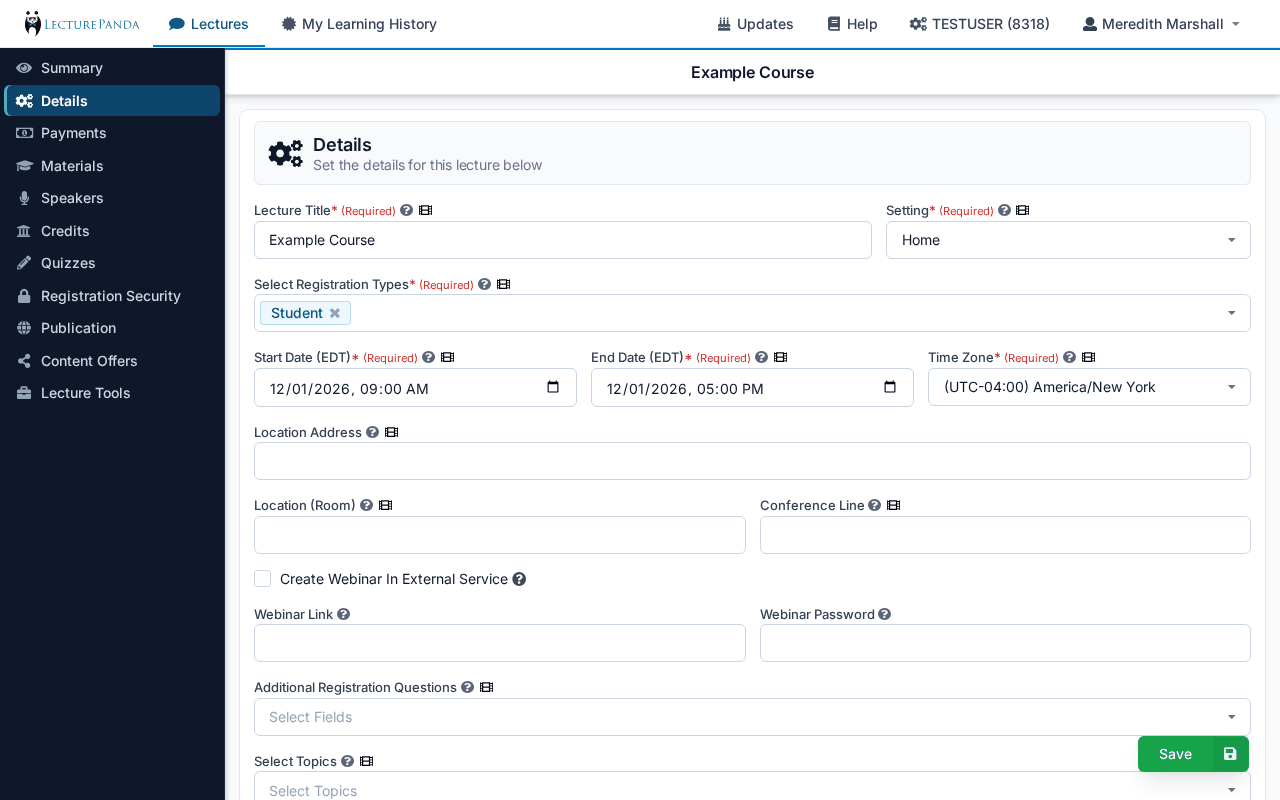
LecturePanda has a fresh coat of paint. We've refreshed the look of the whole application — the admin console you work in and every page your learners see — with cleaner type, calmer colors, and tighter spacing. Everything is where it was before; it just reads better and gets out of your way.
What's New For You
- A leaner console: A tighter top bar and a dark, denser section sidebar leave more room for your content. The course editor's title bar floats above the page as you scroll, so you always know which course you're editing.
- Consistent controls: Buttons, panels, forms, and action bars share one visual language across every settings page, and floating actions like Save and Add sit in a single bar at the bottom right.
- Fits smaller screens: Pages now fit narrower laptop screens without action bars spilling over.
What Your Learners See
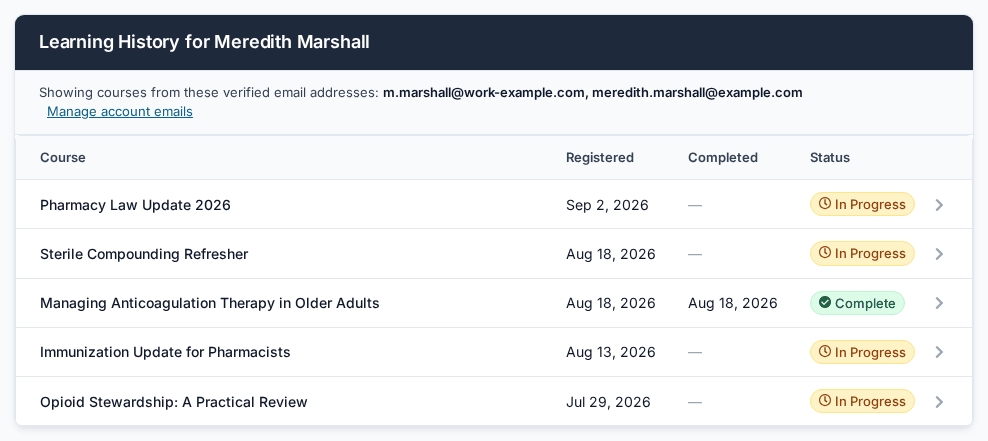
The bigger changes are on the learner side. Registration, the course pages, and Learning History now share one clean card design, so a learner who registers on Monday and claims credit on Friday sees the same experience from start to finish.
Registration
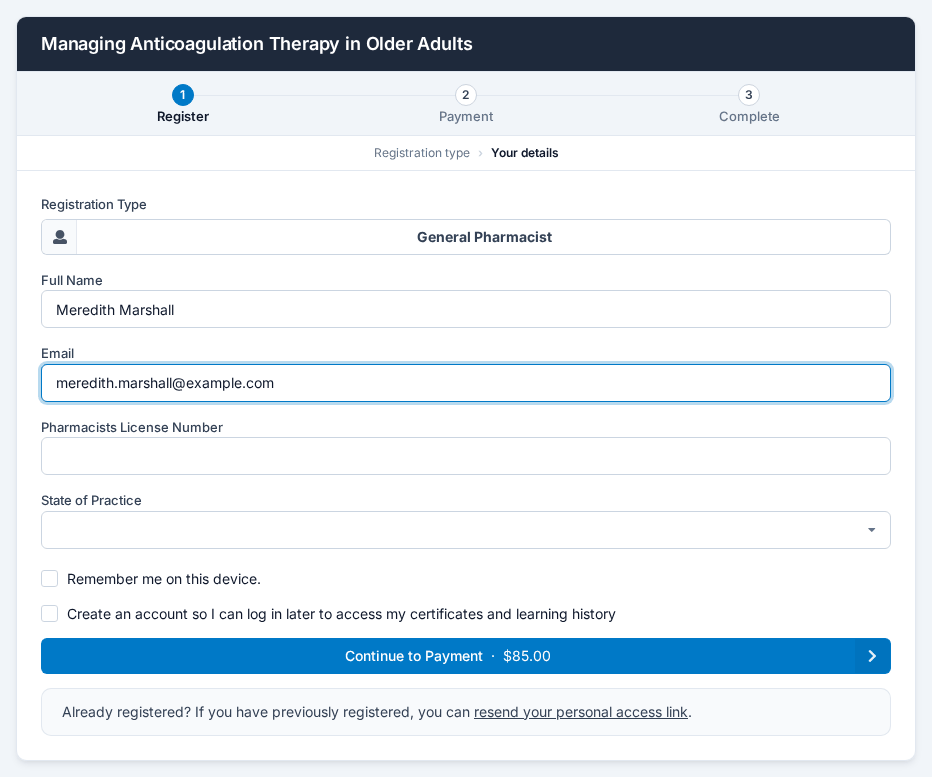
- One card, three steps: A progress strip (Register → Payment → Complete) shows registrants where they are, and a row underneath tracks the screens within each step, such as choosing a registration type and then entering details.
- Smooth transitions: Screens slide into place as registrants move forward, and slide back the other way when they step back.
- Price stated once: The amount due sits right on the Continue button, and discount or receipt codes can be entered inline on the pricing screen.
- Signed-in registrants: Learners with a LecturePanda account see their name and email in a panel at the top of the form, with a link to sign out, instead of locked fields.
Course pages
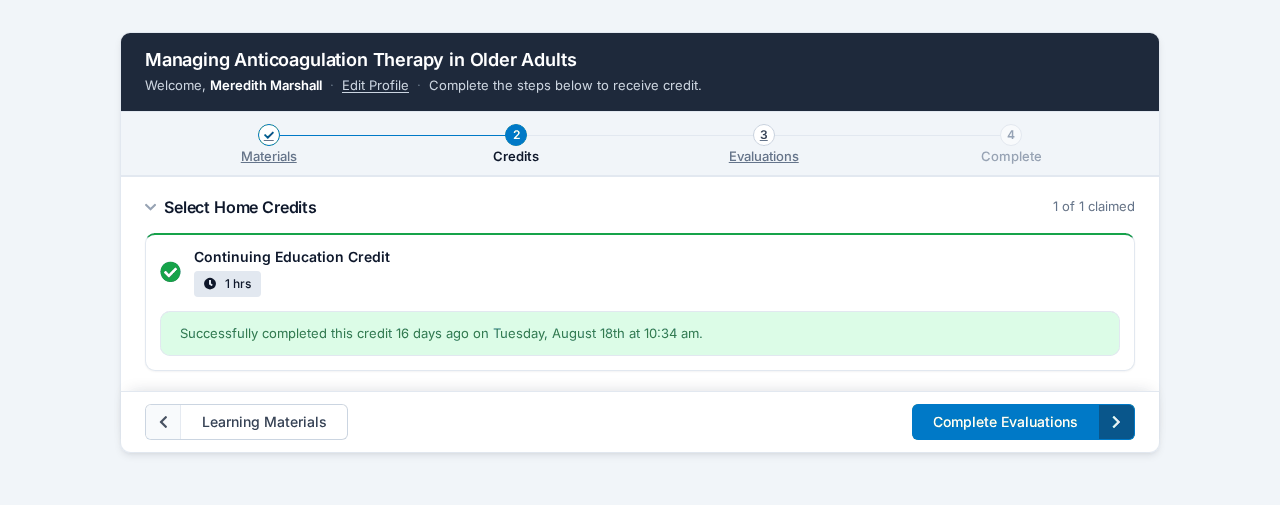
- A step bar at the top: Materials → Credits → Evaluations → Complete, with each step linked as soon as it opens up.
- Next step always in reach: A bar pinned to the bottom of the card carries Back and Next. When the next step is locked, a short hint says what's left, such as "Watch the required videos to the end to continue."
- Long agendas made manageable: Multi-day agendas group credits by day. Each day collapses, shows a running "3 of 8 claimed" count, and divides its time slots clearly. Claiming a credit keeps the learner's place on the page.
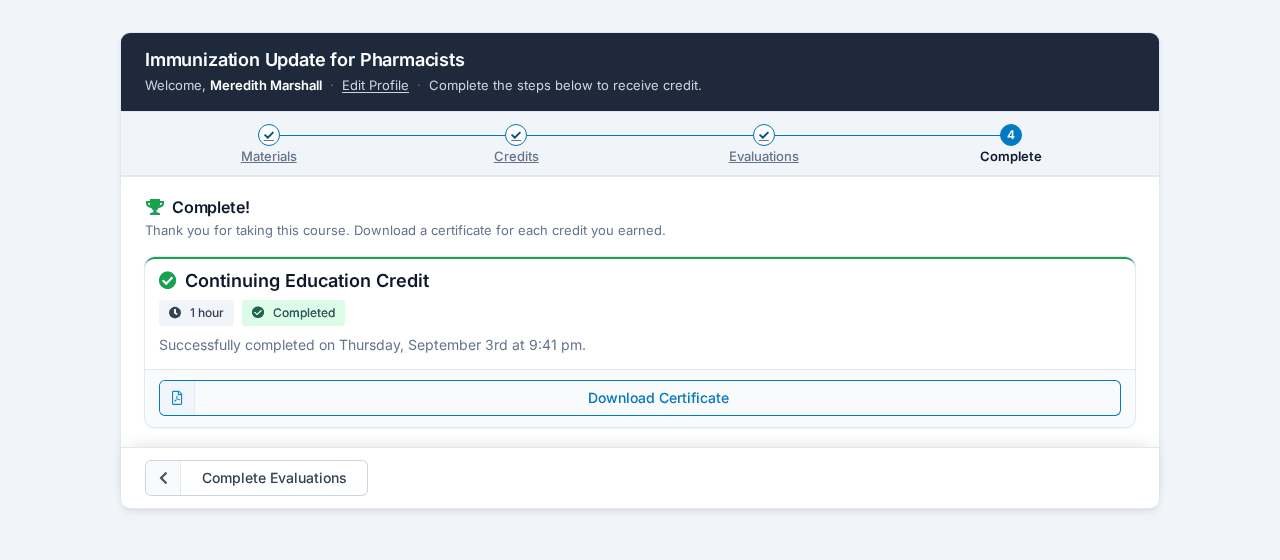
- A better finish: The completion step shows one card per credit with its hours, its status, and a Download Certificate button. Learners who come back later find their certificates waiting on the same page.
Learning History and accounts
- One place for everything: Learning History, course details, certificates, receipts, and account emails use the same card, with clear In Progress and Complete status on every course.
- Self-serve verification: Learners can resend the verification email for an unverified address themselves from Account Emails — one less support request for you.
Nothing To Set Up
This is a visual refresh. No settings have changed, and your certificates, reports, registration forms, and integrations work exactly as before. The learner guides in the Help Center have been updated with new screenshots if you'd like to share them with your participants. If something looks off in your browser, let us know through Help & Contact — we're still polishing.