
Appearance
Membership Checking
LecturePanda’s membership checking tools allow you to enforce pricing rules and restrict access to lectures by membership status.
Email Domains
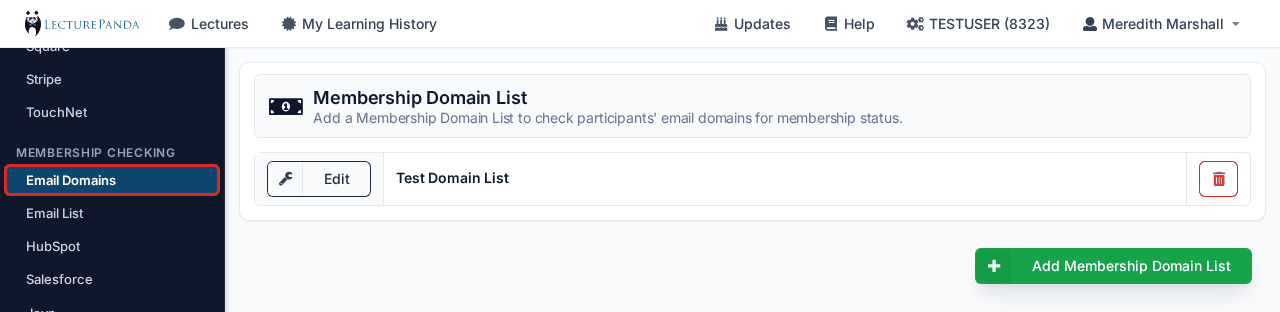
Create a membership domain list. Each list has a unique name and consists of one or more email domains. These membership lists can be used when setting up a lecture’s Registration Security (in the course builder: Registration › Security).
Email List
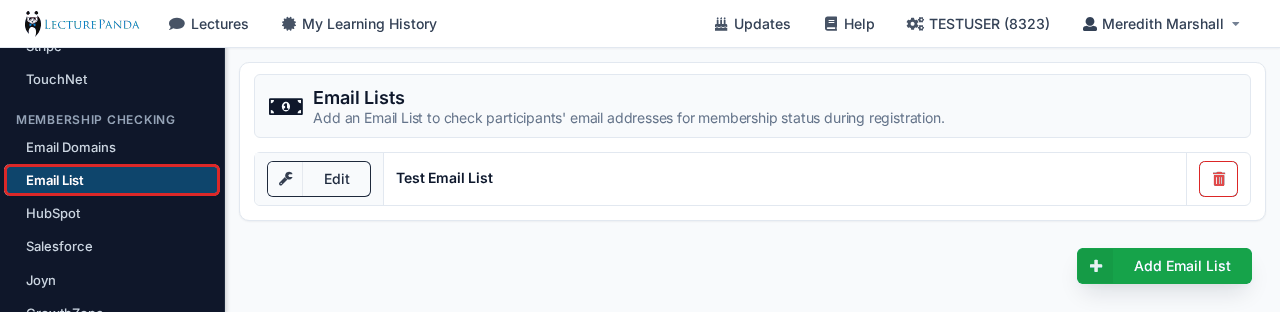
Create a membership email list. Each list has a unique name and consists of one or more email addresses. These membership lists can be used when setting up a lecture’s Registration Security and Payment Rules.
| Detail Name | Description |
|---|---|
| Email List Nickname | Set the name for this email list. |
| Join Link | Optional. Add a link that will be presented as a “Join Us” link during registration to build this email list. |
| Manually Add Members | Admins can also manually add members to this list by entering an email address, member type, and name. |
Uploading your list
Your spreadsheet needs three columns: name, email, and member type. Upload one row per member, using whichever member categories your organization actually recognizes.
Upload members only — never non-members
The email list is a validation list, not a mailing list. Its only job is to answer "is this person a member?" at registration. Anyone whose email isn't on the list automatically falls through to the non-member price, which is exactly what you want.
Adding non-members (or a general contact database) to the list marks them as members and gives them member pricing. The same goes for lapsed members — leaving them off is how they get charged the non-member rate.
Each upload replaces the whole list
Uploading is a full replacement, not an append. Keep a master spreadsheet as your source of truth and re-upload the complete list each time. Membership drifts as people join and lapse, so a fresh upload before each program is a good habit.
AMS/CRM Integrations
LecturePanda can connect with an AMS or CRM to make managing subscriber data simple.
CRM/AMS Integrations
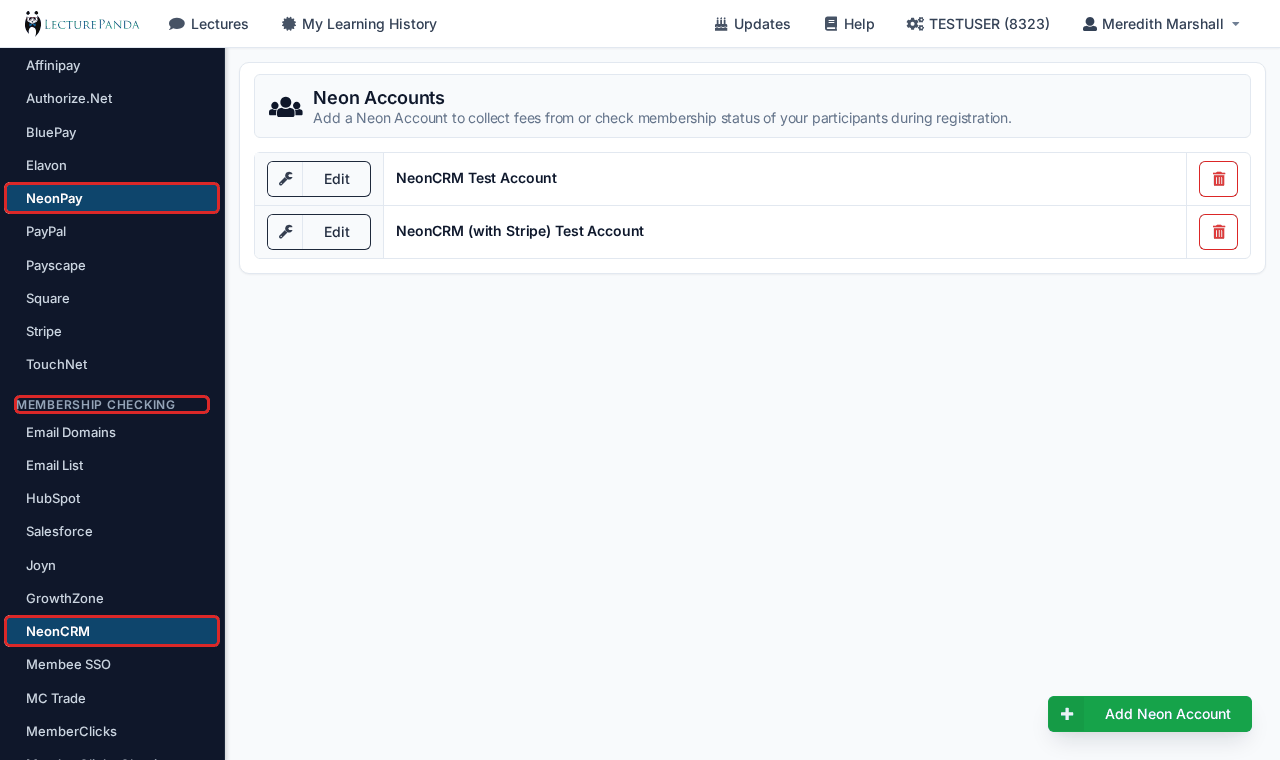
Integrate your CRM/AMS with your LecturePanda Account. Current integrations include:
- GrowthZone
- HubSpot
- Joyn
- MC Trade
- Membee SSO
- MemberClicks
- MemberClicks Classic
- MembershipWorks
- MemberSuite
- Naylor
- NeonCRM
- Noah AMS
- NoviAMS
- Salesforce
- WebSuite2
- Wild Apricot
- WordPress
- YourMembership REST
TIP
LecturePanda can use the member types from your CRM and map them to a default Registration Type.
Joyn: CE push-back
LecturePanda pushes CE completion hours back to a learner's Joyn profile automatically once that learner's member ID is attached to their LecturePanda profile — so their hours land in Joyn without anyone re-keying them.
A member ID reaches LecturePanda one of two ways:
- The learner pays through the Joyn store, and Joyn pushes the registration to LecturePanda with the member ID attached.
- The learner registers directly in LecturePanda, and the Joyn single sign-on membership check retrieves their member ID.
Either route attaches the ID automatically. If a learner arrived a different way — a manual add, for instance — open their profile and check for member information; adding it restores the automatic push for their future completions.
Bringing over historical completions
For completions earned before the integration was connected, export a CE completion report for the period you need and upload it to Joyn as a single backlog file — quicker than pushing them one at a time.